 Paywick
Your money, on a machine you own.
Paywick is a money planner for people who would rather not hand their bank details to an app company. Track accounts, plan each paycheck, watch your net worth and your Bitcoin, all from a single file you run yourself.
- Free, MIT license
- No accounts, no tracking
- Data is one text file
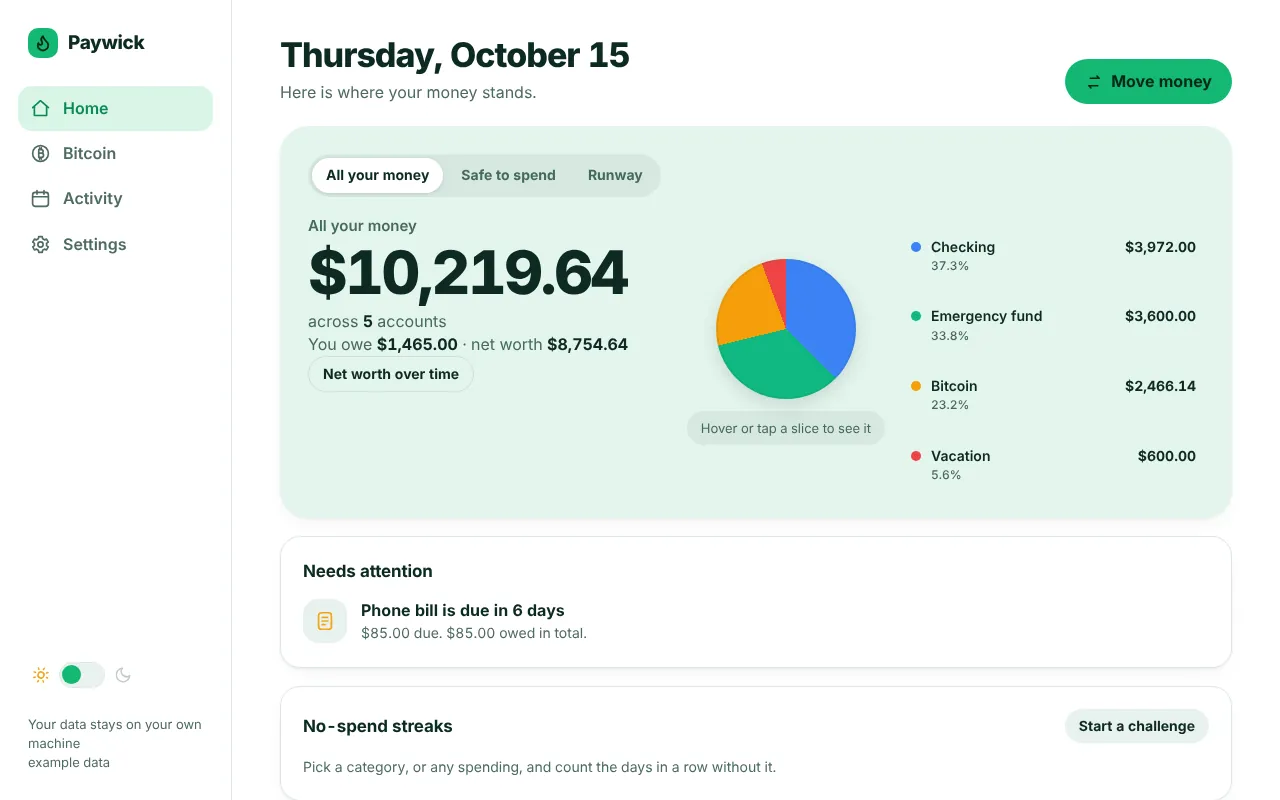
A calm view of where you stand
Every screen below is the real app running on made-up example data, so nothing here is real.
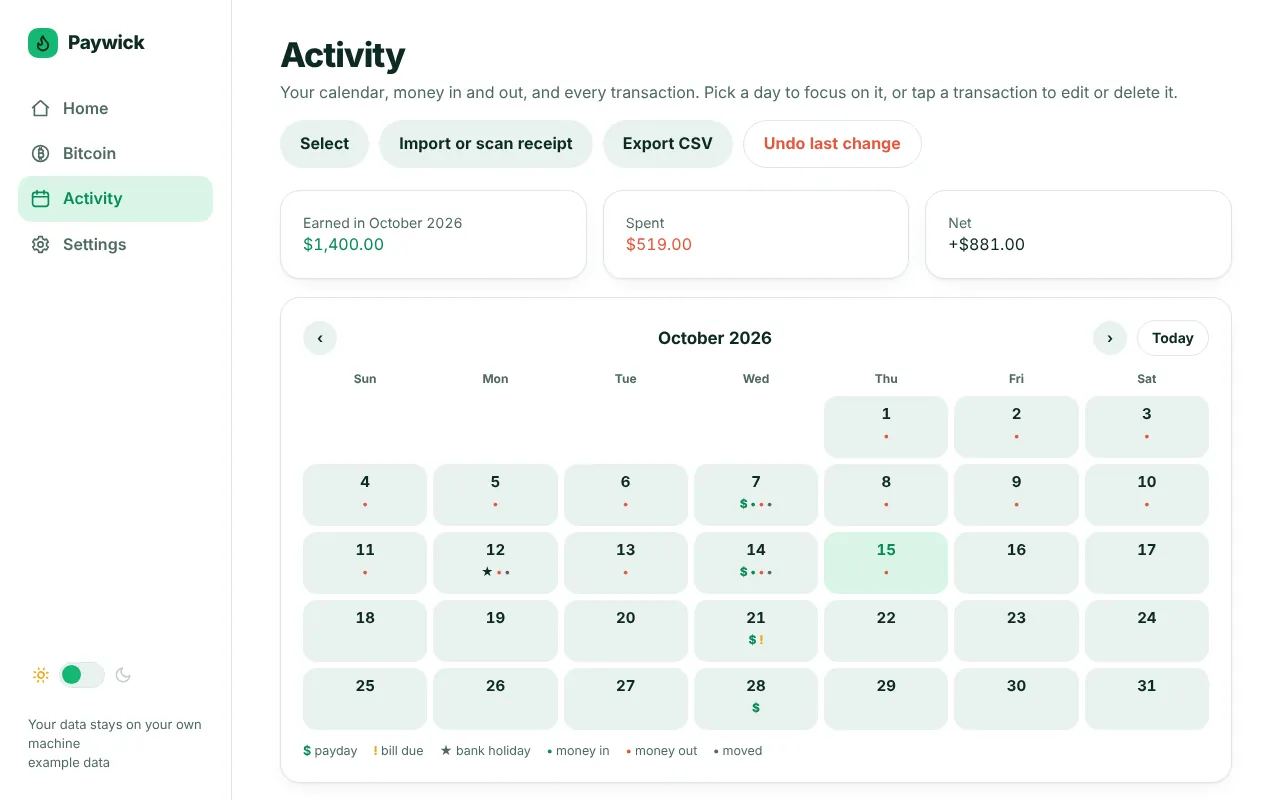
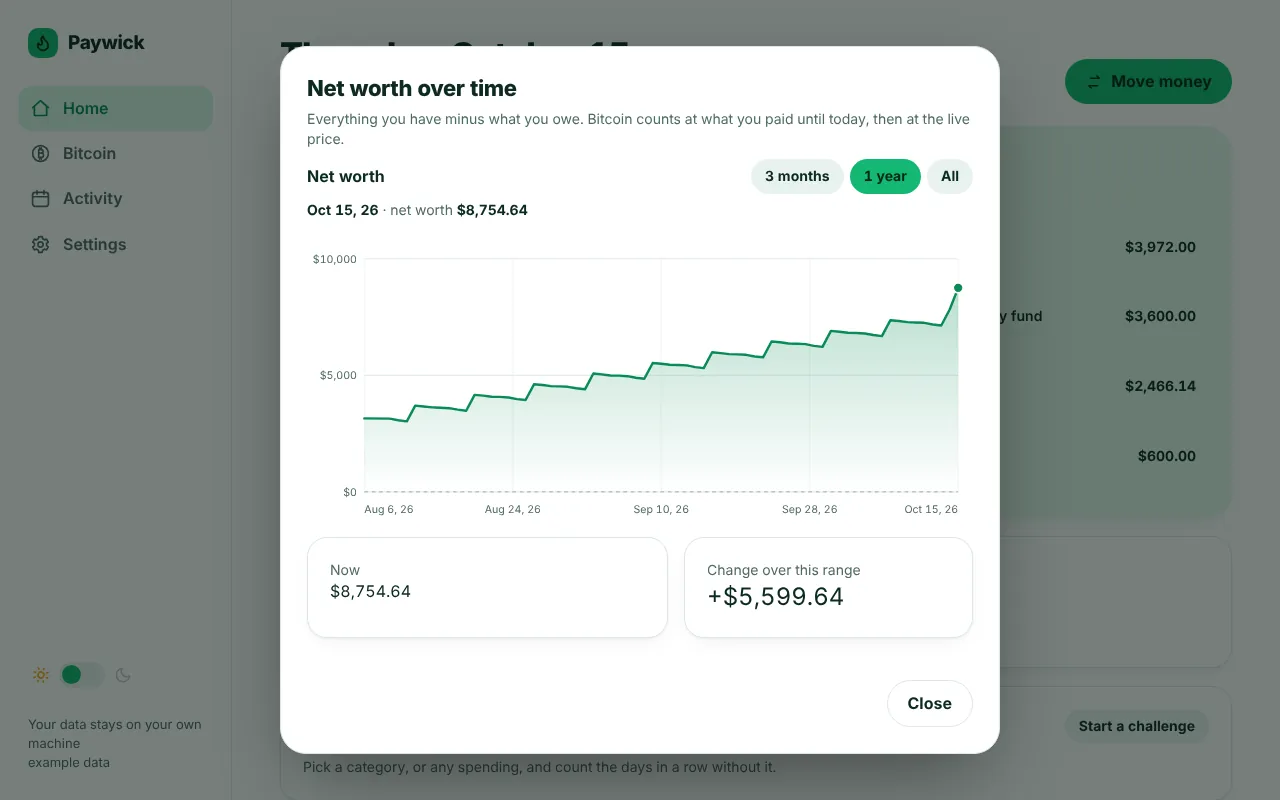
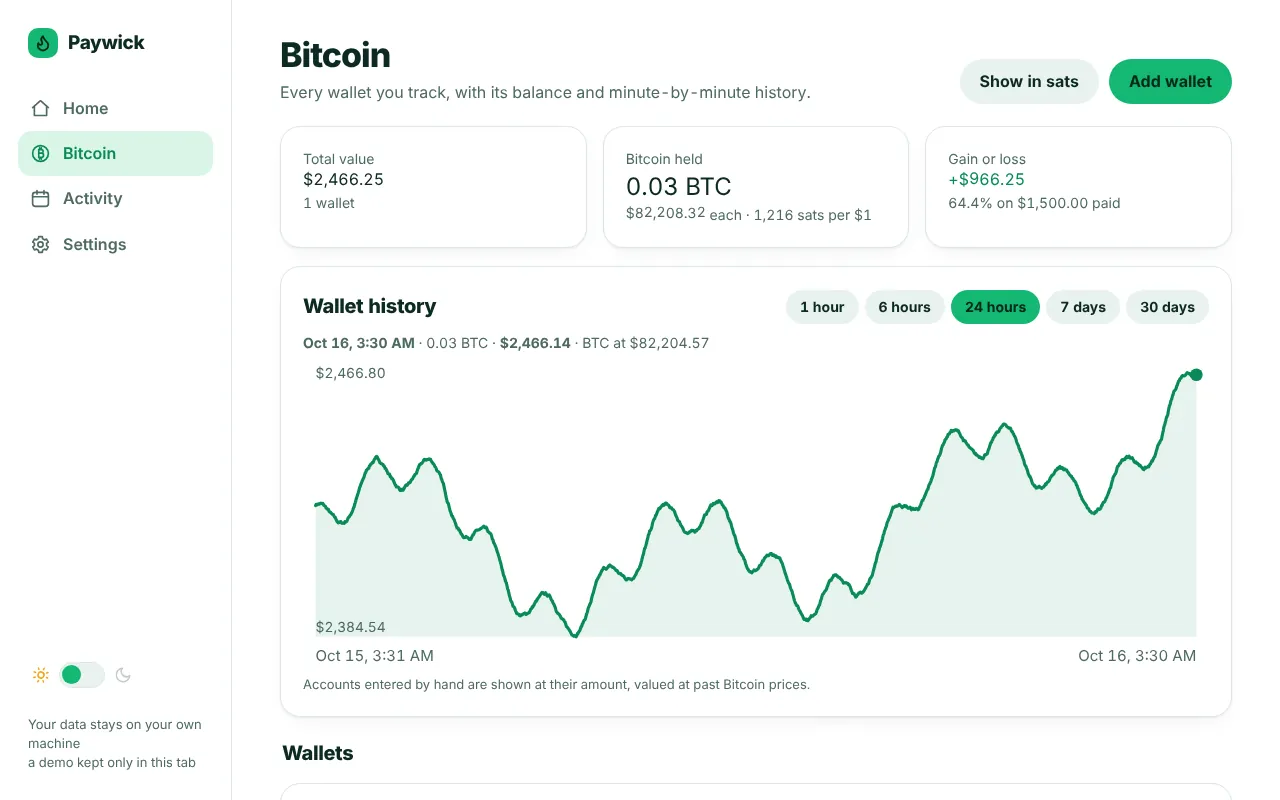
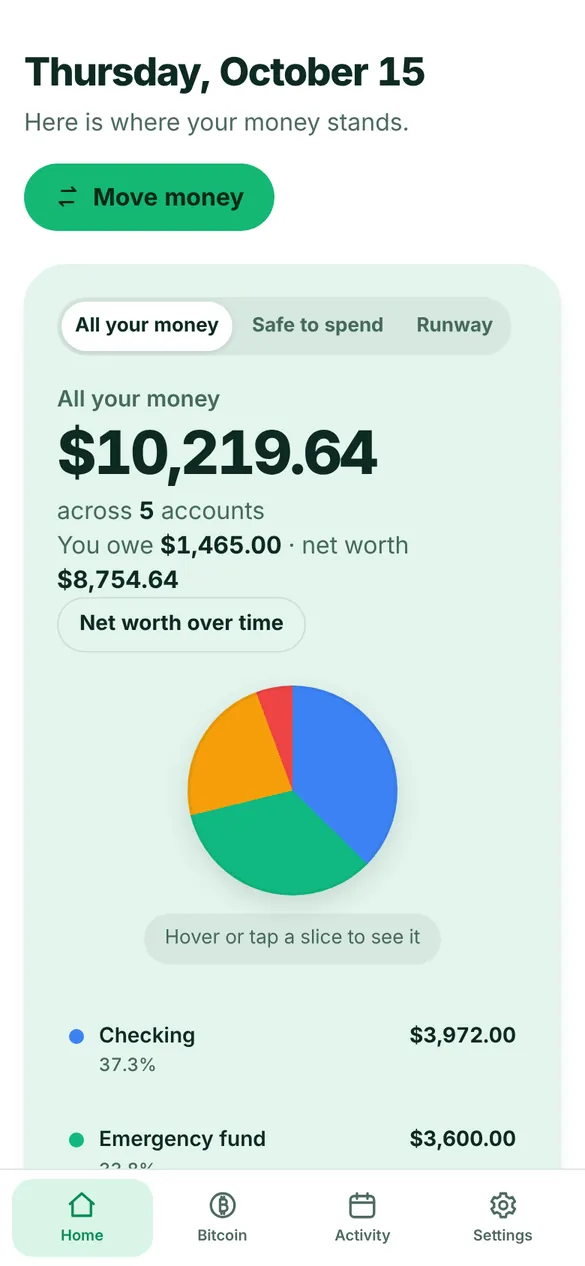
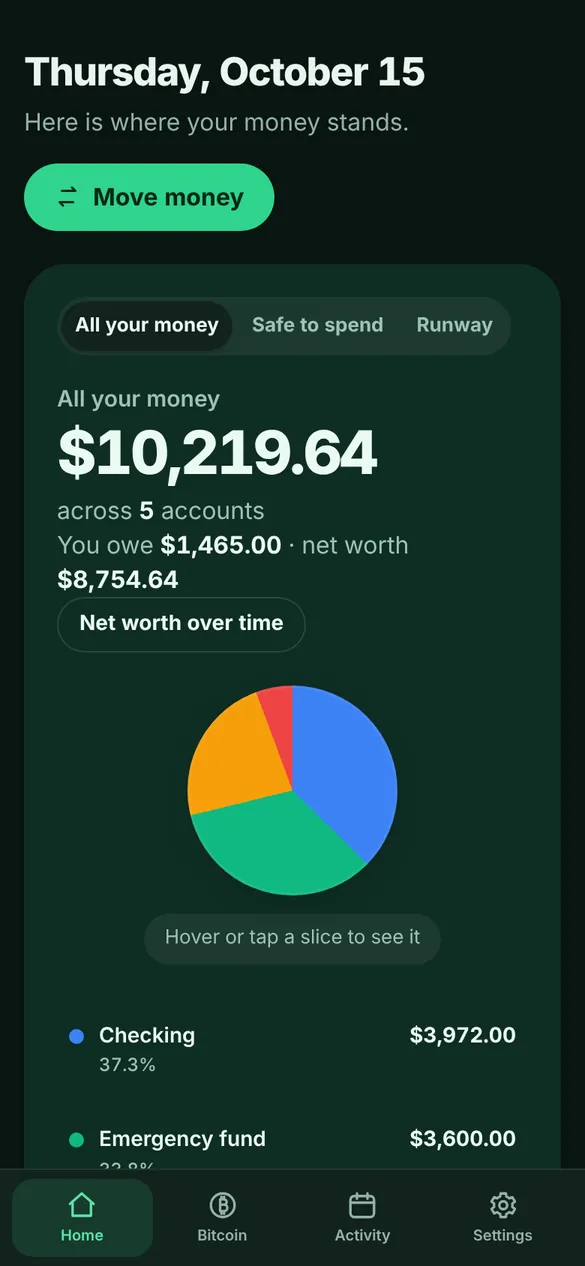
These are live, hands-off views of the demo, not recordings. Try it yourself.
What it does
A planner, not a bank connection. You enter the money; Paywick helps you make sense of it.
Paycheck planning
Split each paycheck across bills, savings and spending before it arrives.
Accounts and transfers
Checking, savings, cash, debts and Bitcoin, with simple moves between them.
Safe to spend and runway
See what is free after bills, and how long your money lasts.
Net worth history
A chart built from your own records, going back as far as you have them.
No-spend streaks
Pick a habit, count the days in a row, and keep the streak.
Bitcoin wallets
Balances from public addresses only. No keys, ever.
Import and export
Bring in a CSV or scan a receipt. Export everything to a spreadsheet.
Passkeys and auto-lock
Unlock with a fingerprint or face, and lock after you step away.
Private because there is nothing to leak
Paywick has no cloud, no sign-up and no analytics. The code is short enough to read, and it is all in the repository.
What stays with you
- Every account, transaction and setting, saved as one line per event in a plain text file
- Your PIN, stored only as a salted hash
- Daily backups of your data file, kept next to it
- No fonts, scripts or images loaded from anywhere else
What it contacts, and only if you use it
- Coinbase's public price API for the Bitcoin price, if you track Bitcoin
- mempool.space for wallet balances, using only the addresses you add. You can point it at your own instance
- Run it with
--offlineand it contacts nothing
Install it in a minute
All you need is Python 3, which is already on macOS and most Linux systems. Paywick is a single file, and you can download it from the public repository.
Download the file
Clone the repository, or fetch just the one file.
Run it
Your browser opens to the app. Your data is saved in accounts.history next to the file. Add --offline to stop it from ever using the internet.
Set a PIN (optional here)
On your own computer the app only listens to your own machine. A PIN of 6 or more digits adds a lock screen.
This reaches your money from your phone and every other device. It takes a small server (the cheapest cloud droplet is plenty), a domain name and about twenty minutes. The full guide, with the firewall and service files, is in deploy/DEPLOY.md. The outline:
Prepare the server (Ubuntu 24.04)
Point an A record for your domain at the server, then install Python and Caddy, which fetches your HTTPS certificate for you.
Install the app and choose a PIN
A public server refuses to start without a PIN, so you set it first.
Start it and turn on HTTPS
Copy the service and Caddy files from the repository's deploy folder, put your domain in both, then start everything. Your app lives at /private-app/ on your domain.
Questions
Where is my data, and how do I back it up?
In one text file, accounts.history. Copy that file and you have a full backup. Paywick also keeps dated copies beside it and can export to a spreadsheet from Settings.
Can I use it on my phone?
If you host it on a server, yes. Open your address in the phone's browser and choose Add to Home Screen. Running it on your own computer only reaches that computer.
How do updates work?
Download the new file from the repository and replace the old one, or use Settings, then Update, inside the app. Your data file is never touched.
Does it connect to my bank?
No, on purpose. You enter your own numbers, so there is no bank login for anything to leak.
What does it cost?
Nothing. It is released under the MIT license, so you can use it, change it and share it.